Games › STARFIRE '79
STARFIRE '79
A classic 1979 3D arcade pinball table with Blender-scripted hardware, 480 Hz physics, and reactive lights.
About STARFIRE '79
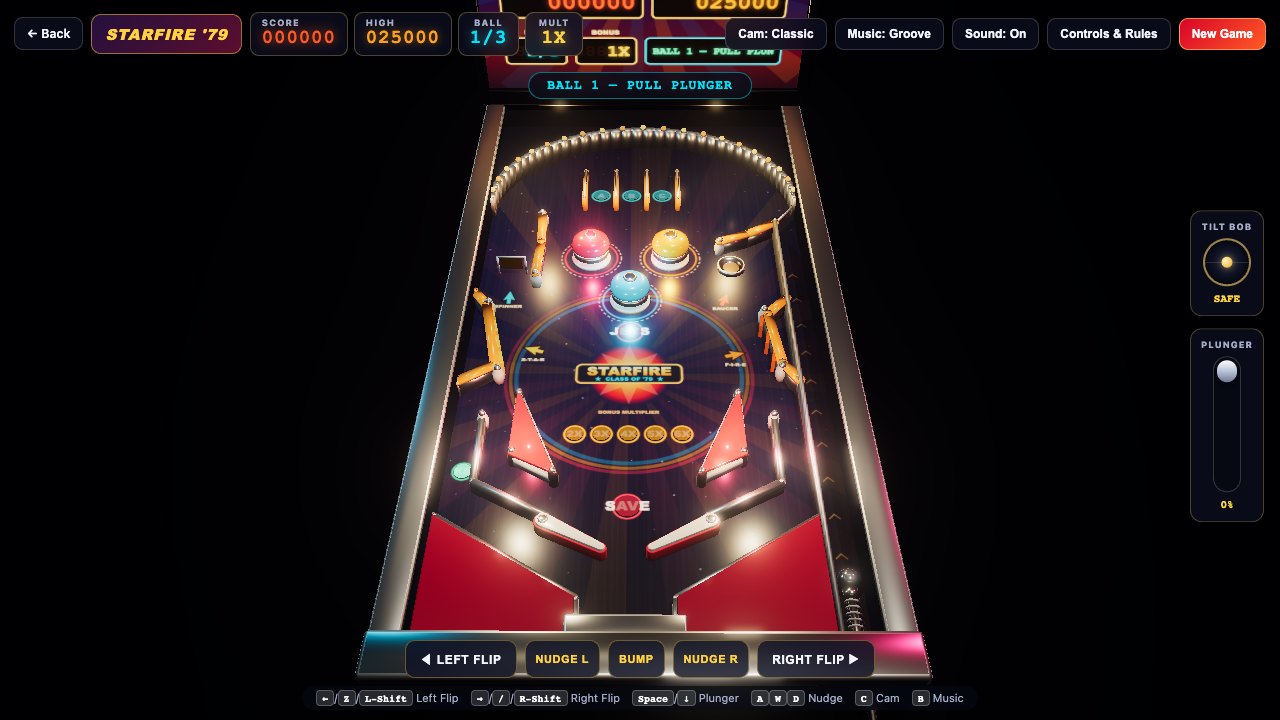
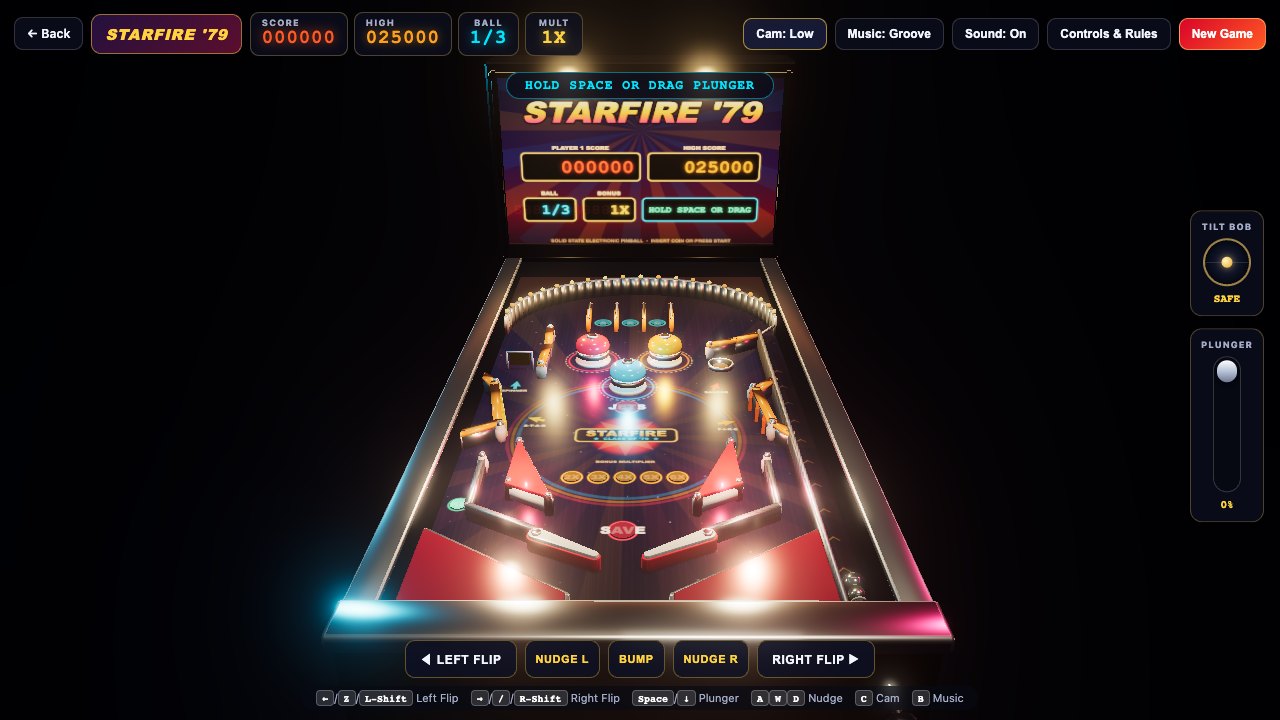
STARFIRE '79 brings a 1970s/80s solid-state cosmic arcade pinball cabinet to the browser. Powered by a headless Blender 5.2 3D hardware pipeline, a custom 480 Hz 2.5D pinball physics engine, Three.js PBR rendering with selective bloom, and live-synthesized Web Audio sound effects and music, every mechanical cue—from solenoid flipper strikes and analog spring launches to brass plumb-bob tilt warnings—is tuned for classic arcade feel. Play a three-ball game across four camera views (Classic, Dynamic, Overhead, and Low). Feather the spring plunger for an A-B-C Skill Shot, flip to rotate lit A-B-C rollover lanes and climb the Bonus Multiplier up to 6×, clear the four-bank S-T-A-R drop targets to light Super Jets, complete the F-I-R-E standups to arm the left outlane Kickback, rip the left-orbit Spinner, and score bonus payouts in the Cosmic Saucer. A lights-out power-on sequence wakes the 21 top-arch marquee bulbs before play, and each launch includes a visible 10-second Ball Save countdown.
How to play
Click PLAY or press Space to power up the cabinet. Hold and release Space or Down Arrow (or drag the Plunger gauge) to launch the ball; aim for the top A-B-C lanes for a +2,500 Skill Shot. Use Left/Right Arrow, Shift, or Z and / (or the touch flipper buttons) to flip, cradle, and shift lit A-B-C lanes. Press A, W, or D to nudge—watch the brass Tilt Bob ring because three strikes trigger TILT and cut flipper power until drain. Press C to cycle cameras, B to switch music modes (Groove, '79 Pulse, or Off), M to mute all audio, and R to start a new game.
What it shows off
- Blender-scripted 3D GLB cabinet & hardware
- Custom 480 Hz 2.5D pinball physics
- Brass plumb-bob tilt simulation
- Analog spring plunger & one-way gate
- Reactive 21-bulb arch & lights-out boot
- Procedural Web Audio SFX & dual-mode synth music
Versions
Released versions are frozen and stay playable, so you can see how the project, and the AI that built it, improves.